Note
This page is a reference documentation. It only explains the function signature, and not how to use it. Please refer to the user guide for the big picture.
nilearn.datasets.fetch_language_localizer_demo_dataset
- nilearn.datasets.fetch_language_localizer_demo_dataset(data_dir=None, verbose=1)[source]
Download language localizer demo dataset.
For more information see the dataset description.
- Parameters:
- data_dir
pathlib.Pathorstror None, optional Path where data should be downloaded. By default, files are downloaded in a
nilearn_datafolder in the home directory of the user. See alsonilearn.datasets.utils.get_data_dirs.- verbose
boolorint, default=1 Verbosity level (
0orFalsemeans no message).
- data_dir
- Returns:
- data
sklearn.utils.Bunch Dictionary-like object, the interest attributes are :
- data
Notes
If the dataset files are already present in the user’s Nilearn data directory, this fetcher will not re-download them. To force a fresh download, you can remove the existing dataset folder from your local Nilearn data directory.
For more details on how Nilearn stores datasets.
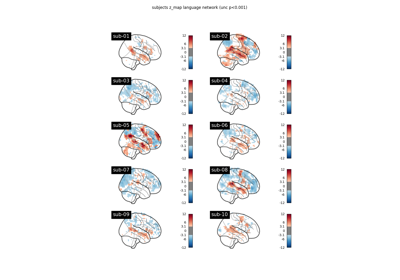
Examples using nilearn.datasets.fetch_language_localizer_demo_dataset
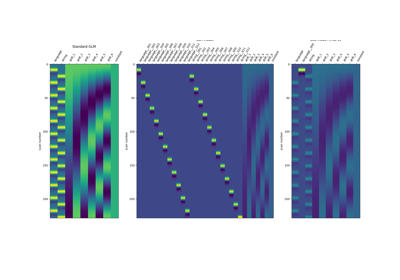
Beta-Series Modeling for Task-Based Functional Connectivity
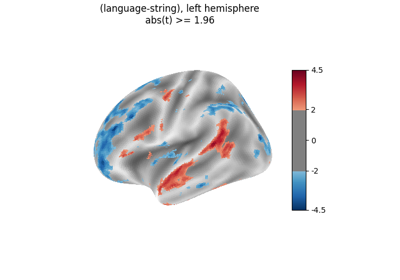
Surface-based dataset first and second level analysis of a dataset