Note
This page is a reference documentation. It only explains the function signature, and not how to use it. Please refer to the user guide for the big picture.
fetch_atlas_difumo
- nilearn.datasets.fetch_atlas_difumo(dimension=64, resolution_mm=2, data_dir=None, resume=True, verbose=1)[source]
Fetch DiFuMo brain atlas.
Dictionaries of Functional Modes, or “DiFuMo”, can serve as probabilistic atlases to extract functional signals with different dimensionalities (64, 128, 256, 512, and 1024).
For more information, see the dataset description.
Added in Nilearn 0.7.1.
- Parameters:
- dimension
int, default=64 Number of dimensions in the dictionary. Valid resolutions available are {64, 128, 256, 512, 1024}.
- resolution_mm
int, default=2 The resolution of the atlas to fetch, in mm. Valid options available are {2, 3}.
- data_dir
pathlib.Pathorstror None, optional Path where data should be downloaded. By default, files are downloaded in a
nilearn_datafolder in the home directory of the user. See alsonilearn.datasets.utils.get_data_dirs.- resume
bool, default=True Whether to resume download of a partly-downloaded file.
- verbose
boolorint, default=1 Verbosity level (
0orFalsemeans no message).
- dimension
- Returns:
- data
sklearn.utils.Bunch Dictionary-like object, contains:
atlas_type:str. Type of atlas. See Probabilistic atlas and Deterministic atlas.labels:pandas.DataFrame. Containing the labels of the regions. The length of the dataframe corresponds to the number of dimensions requested.data.labels[i]is the label corresponding to volumeiin the ‘maps’ image.maps:str. Full path to 4D nifti file containing regions definition. The shape of the image is(104, 123, 104, dimension)wheredimensionis the requested dimension of the atlas.template:str. The standardized space of analysis in which the data is provided.
- data
Notes
If the dataset files are already present in the user’s Nilearn data directory, this fetcher will not re-download them. To force a fresh download, you can remove the existing dataset folder from your local Nilearn data directory.
For more details on how Nilearn stores datasets.
Examples using nilearn.datasets.fetch_atlas_difumo
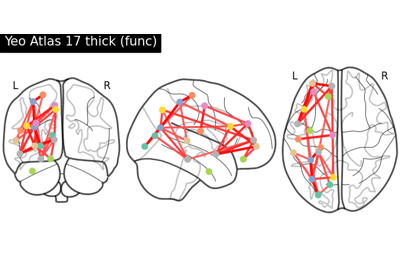
Comparing connectomes on different reference atlases