Note
Go to the end to download the full example code. or to run this example in your browser via Binder
Visualizing Megatrawls Network Matrices from Human Connectome Project
This example shows how to fetch network matrices data from HCP beta-release of the Functional Connectivity Megatrawl project.
See fetch_megatrawls_netmats documentation and
the dataset description
for more details.
Fetching the Megatrawls Network matrices
Fetching the partial correlation matrices of dimensionality d=300 with timeseries method ‘eigen regression’
from nilearn.datasets import fetch_megatrawls_netmats

netmats = fetch_megatrawls_netmats(
    dimensionality=300,
    timeseries="eigen_regression",
    matrices="partial_correlation",
)
# Partial correlation matrices array of size (300, 300) are stored in the name
# of 'correlation_matrices'
partial_correlation = netmats.correlation_matrices.to_numpy()
[fetch_megatrawls_netmats] Dataset directory found: /home/runner/work/nilearn/nilearn/nilearn_data/Megatrawls
Visualization
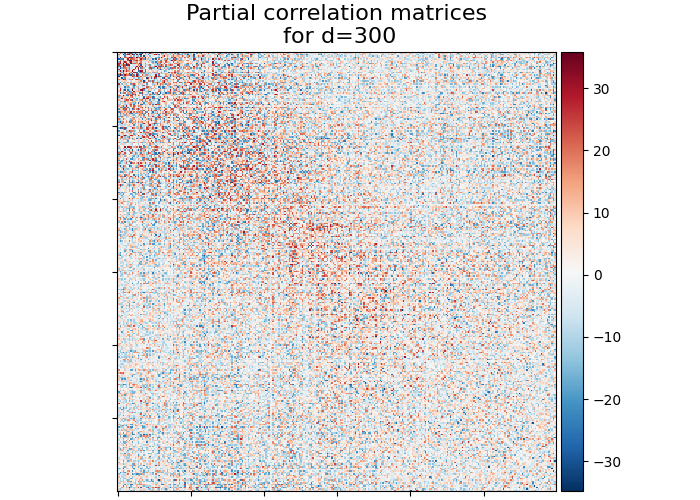
Import nilearn plotting modules to use its utilities for plotting correlation matrices
from nilearn.plotting import plot_matrix, show

title = "Partial correlation matrices\n for d=300"
display = plot_matrix(partial_correlation, title=title)
show()
Total running time of the script: (0 minutes 0.965 seconds)
Estimated memory usage: 144 MB
