Note
Go to the end to download the full example code. or to run this example in your browser via JupyterLite or Binder
Show stimuli of Haxby et al. dataset
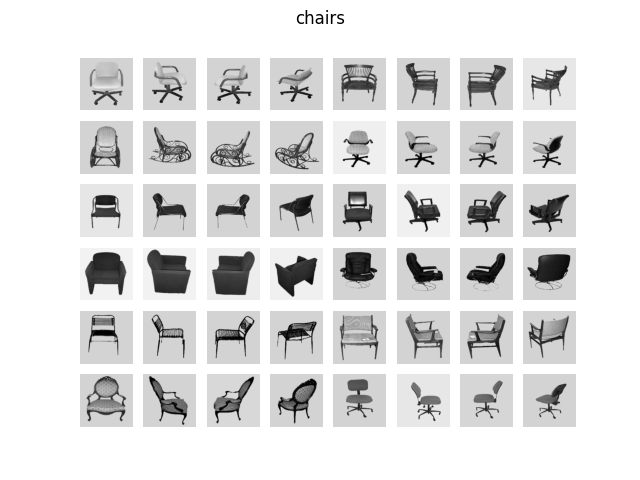
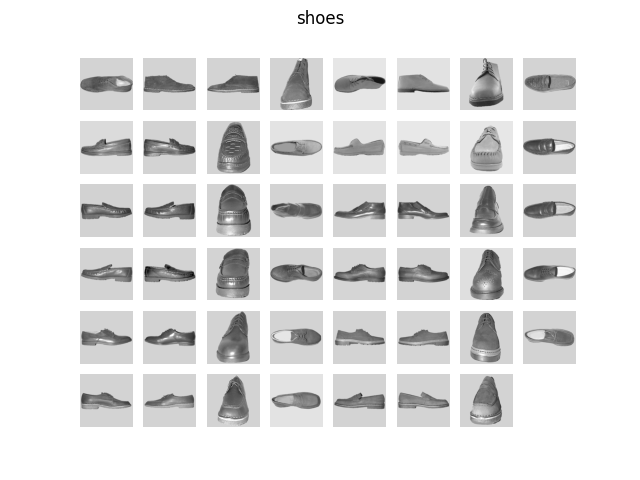
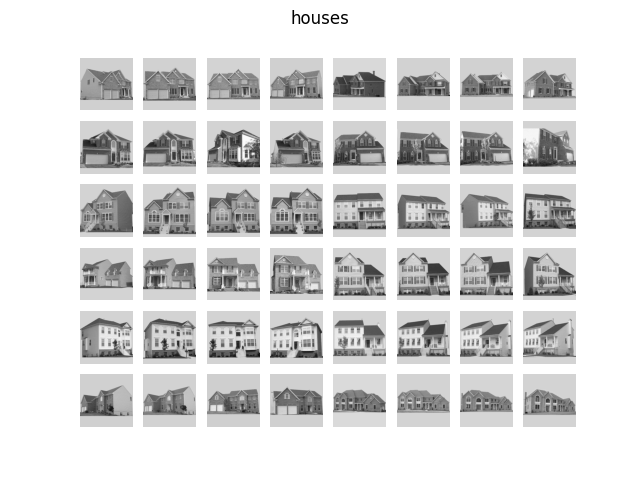
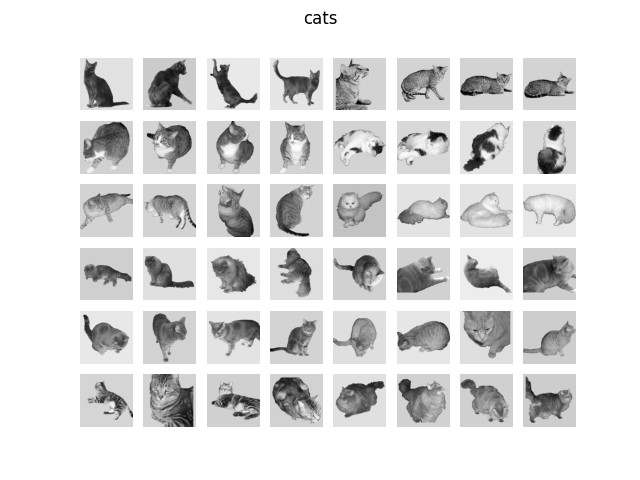
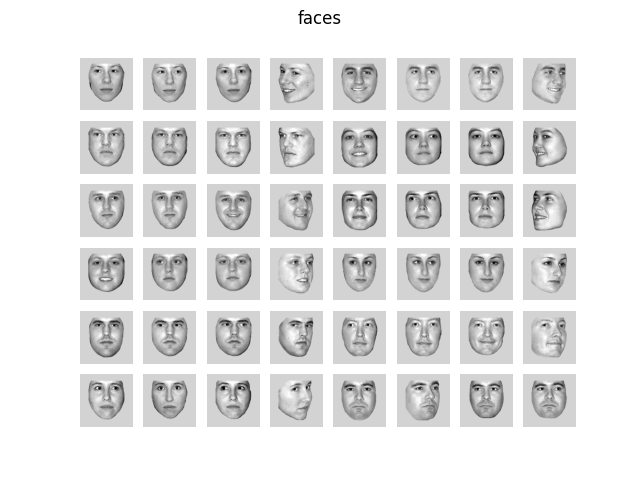
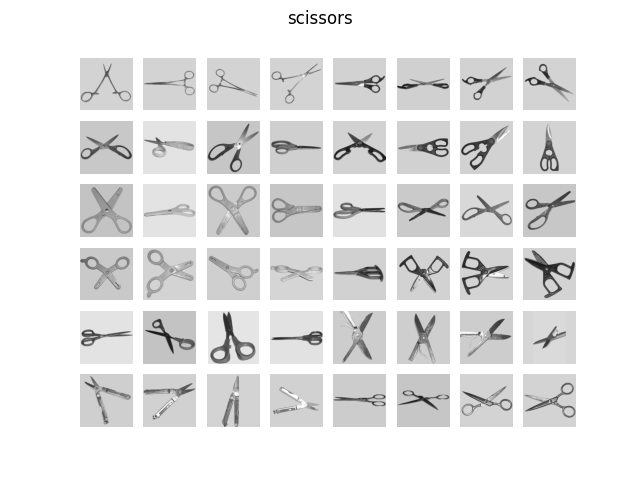
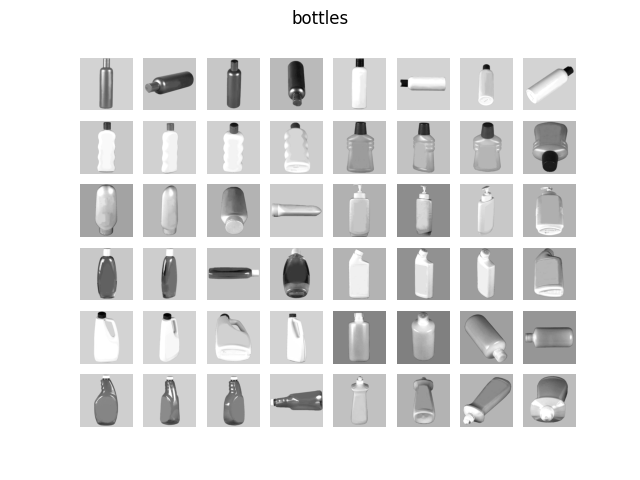
In this script we plot an overview of the stimuli used in Haxby et al.[1].
from nilearn._utils.helpers import check_matplotlib

check_matplotlib()

import matplotlib.pyplot as plt
from nilearn import datasets
from nilearn.plotting import show

haxby_dataset = datasets.fetch_haxby(subjects=[], fetch_stimuli=True)
stimulus_information = haxby_dataset.stimuli
[fetch_haxby] Dataset directory found: /home/runner/nilearn_data/haxby2001
[fetch_haxby] Downloading data from
http://data.pymvpa.org/datasets/haxby2001/stimuli-2010.01.14.tar.gz ...
[fetch_haxby] Downloaded 2220032 of 10463676 bytes (21.2%%, 00 HR 00 MIN 04 SEC
remaining)
[fetch_haxby]  ...done. (2 seconds, 0 min)

[fetch_haxby] Extracting data from /home/runner/nilearn_data/haxby2001/ee9e0d5a4
0146477e9197f0d13da9b32/stimuli-2010.01.14.tar.gz...
[fetch_haxby] .. done.
for stim_type in stimulus_information:
    # skip control images, there are too many
    if stim_type != "controls":
        file_names = stimulus_information[stim_type]

        fig, axes = plt.subplots(6, 8)
        fig.suptitle(stim_type)

        for img_path, ax in zip(file_names, axes.ravel(), strict=False):
            ax.imshow(plt.imread(img_path), cmap="gray")

        for ax in axes.ravel():
            ax.axis("off")

show()
References
Total running time of the script: (0 minutes 8.529 seconds)
Estimated memory usage: 178 MB

